WebFones Voice
Download WebFones Voice
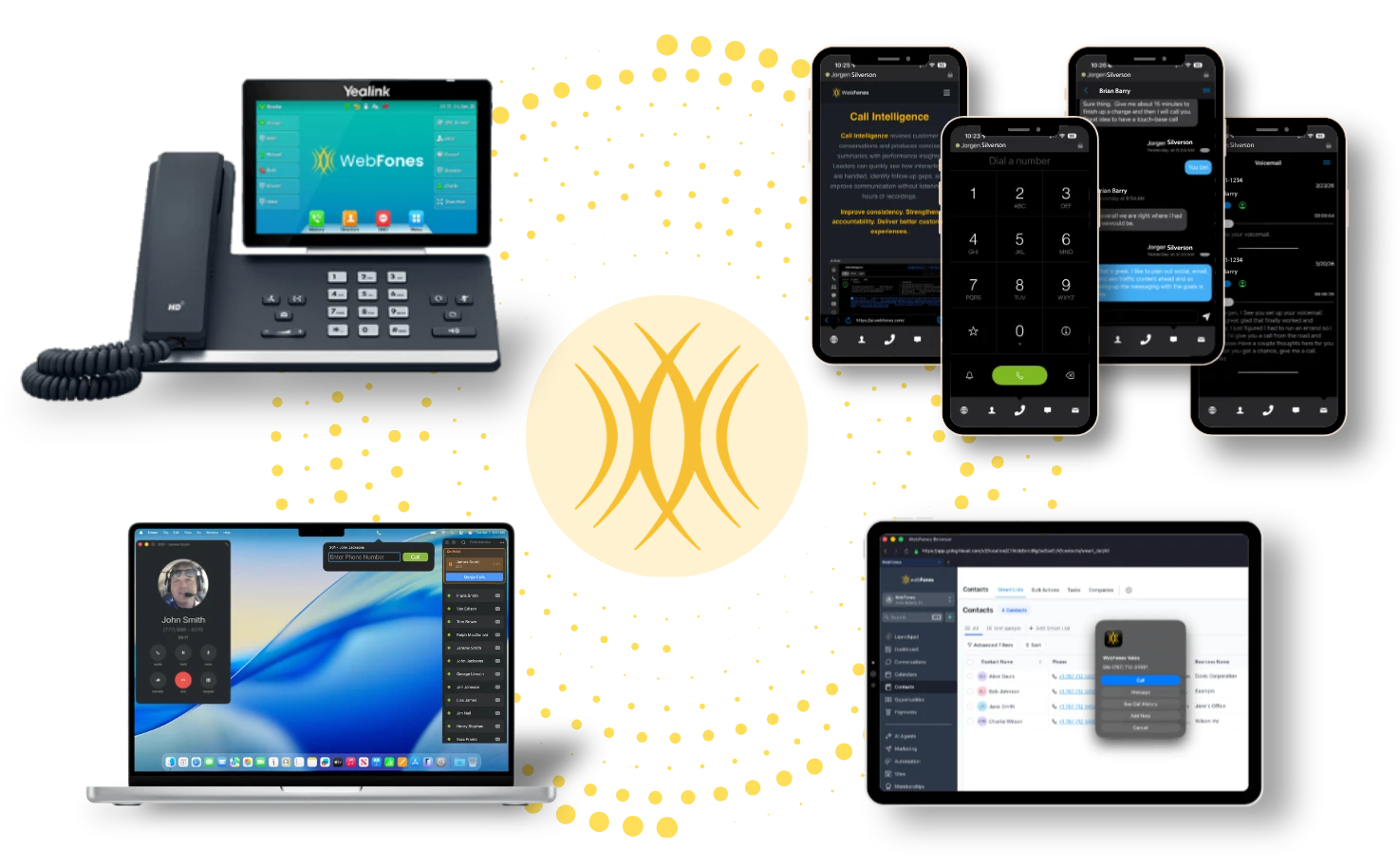
One system. Every device. Calls follow your team wherever work happens — desktop, mobile, counter, or on the road.
Same business identity, same workflow, no gaps in coverage. Pick your platform below to get started.
Get the apps
Free for WebFones customers. Pick your platform.
Next Steps — after downloading the mobile apps
- 1On your computer, log in to your WebFones user account. A QR code will be displayed on the screen. Login to WebFones
- 2Open the WebFones Voice app, tap Ready to Scan, and scan the QR code.
- 3Your phone will auto-configure. You'll see your extension in the top-left corner, and when the dot turns green, you're ready to make and receive calls.
Having trouble scanning? Be sure you're using the WebFones Voice app — not your phone's camera.