WebFones Voice for Linux
A full-featured desk experience for Linux — calls, messaging, transfers, merge calls, and extension presence all in one application. For Ubuntu 26.04 LTS and distributions built on it, such as Linux Mint, Pop!_OS and Zorin OS. Updates arrive automatically through Software Updater.
Prefer the terminal?
curl -fsSL https://webfones.com/downloads/linux/install | sudo bash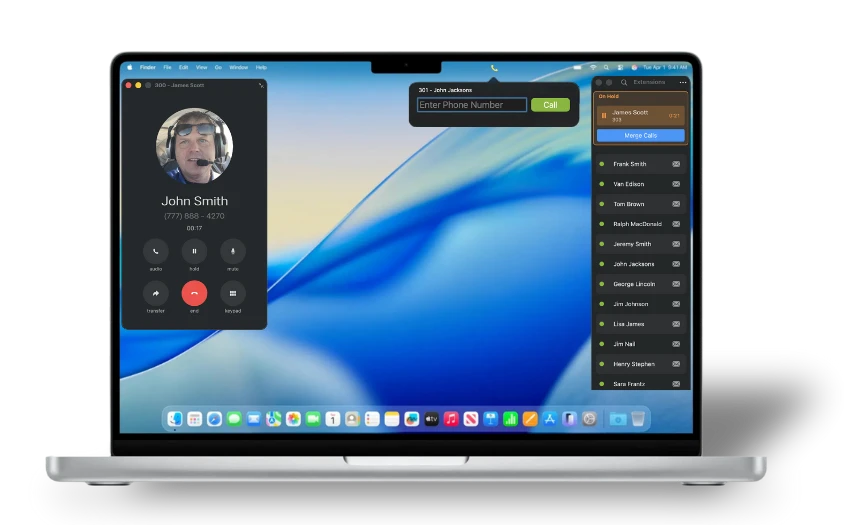
System Requirements
- •Ubuntu 26.04 LTS or a distribution built on it (Linux Mint, Pop!_OS, Zorin OS, KDE neon, elementary OS)
- •x86_64 (amd64) computer
- •An active WebFones Voice user account
- •Broadband internet connection
- •Microphone & speakers (or headset); a webcam for video meetings
Install in 3 steps
- 1Click Download for Linux above.
- 2Open the downloaded file and click Install. If App Center says “potentially unsafe”, that’s normal for apps from outside the Ubuntu store. WebFones Voice is signed by WebFones.
- 3Open WebFones Voice from your applications menu and pair it with your WebFones account.
Updates install through Software Updater, like the rest of your system.
Terminal install:
curl -fsSL https://webfones.com/downloads/linux/install | sudo bashAlready downloaded the file? sudo apt install ./WebFonesVoice_latest_amd64.deb
Linux questions
Why does Ubuntu say “potentially unsafe”?
App Center shows that for every app that doesn’t come from Ubuntu or the Snap Store, including Chrome, Zoom and Slack. You’ll see it once, when you first install. Later updates don’t show it.
Where’s the tray icon?
Ubuntu shows it out of the box, and so do Linux Mint (Cinnamon) and KDE. On other GNOME desktops, install the “AppIndicator and KStatusNotifierItem Support” extension.
How do I uninstall?
Run sudo apt remove webfones-voice. Use sudo apt purge webfones-voice to also remove the WebFones update repository.
Older Ubuntu or Mint?
Not supported yet. WebFones Voice needs Ubuntu 26.04 LTS or a distribution built on it. Ubuntu 24.04, Linux Mint 22.x and older, Debian, Fedora and Arch can’t install it.
Looking for another platform?
WebFones Voice runs on Mac, Windows, iOS, and Android too.
See all downloads